At a Glance: The Edit SPAN Field dialog box
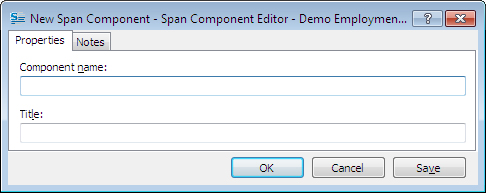
A
B
After opening a template to edit, you can open the Edit SPAN Field dialog box by clicking on the  Other Fields button and selecting SPAN from the drop-down menu, then clicking the
  Edit button.
In the first text field A you can edit the component name or your SPAN Field and in the second text field B you can enter an optional title for the field.
In the Notes tab you can make development notes about this Span component. See At a Glance: The Notes tab (Component/Dialog Editor) for more information)
To learn more about the SPAN field follow the links below: