At a Glance: The Dialog Editor (Layout Tab)
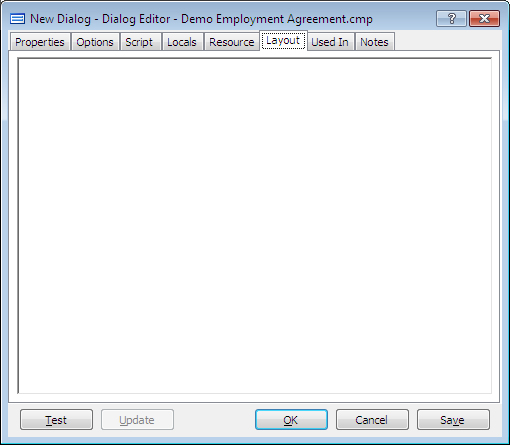
A
You can open the Layout tab of the Dialog Editor from the Component Manager or while editing a template by creating a new dialog or opening an existing dialog then clicking on the Layout tab.
In the main section A of this tab you can see all the components in the dialog and by dragging and dropping them you can change what order they appear in the interview. You can also arrange up to three components side by side so they show up on the same row in the interview.
To learn more about using the Dialog Editor follow the link below:
- Change the Layout of Variables in a Dialog
- At a Glance: The Dialog Editor (Properties Tab)
- At a Glance: The Dialog Editor (Options tab)
- At a Glance: The Dialog Editor (Script tab)
- At a Glance: The Locals tab (Variable/Dialog Editor)
- At a Glance: The Resource tab (Variable/Dialog Editor)
- At a Glance: The Used In tab (Variable/Dialog Editor)
- At a Glance: The Notes tab (Variable/Dialog Editor)